 English
 كوردى
 عربي

How to Use the Platform
The Platform🎥 : The Research Center’s Electronic Platform aims to promote the responsible publication of research at Duhok Polytechnic University, help university researchers avoid predatory journals, enhance transparency in scientific research, and establish a shared knowledge database to support scientific and research activities through research registration.
How to Use the Research Platform
To use the Research Platform, follow these instructions
1.Navigate to the Directorate General of Scientific Research Center page, click on Relevant Links, and select research platform
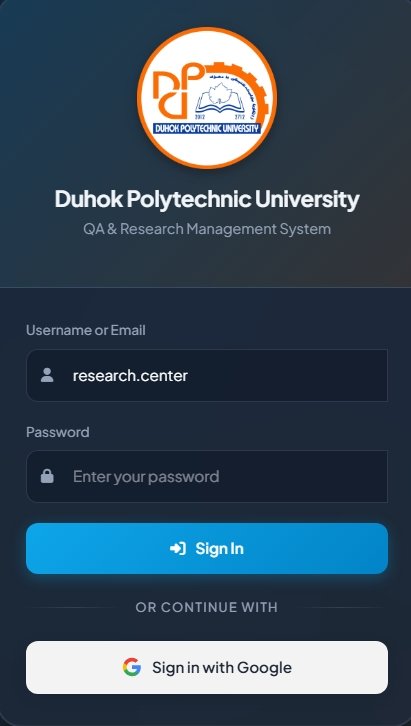
2. Click on Sign in to access the login page.Enter your (Username👤and password🔒)
and Password) in the designated fields, then click on Sign in to log in to your account. or select Sign in with (Google)🅖 to continue using your Google account.
3. Once logged in, go to Register New Research and select either Registered Research or Published Papers, depending on your research activity.
4. Enter the required information and ensure that all research details are accurate and up to date.
5. Once completed, review your personal dashboard to manage your research information.
Link of video (Click here)
Step2: Register a new research paper and conduct a Journal Quality Assessment (Click here)